Remini Apk for PC
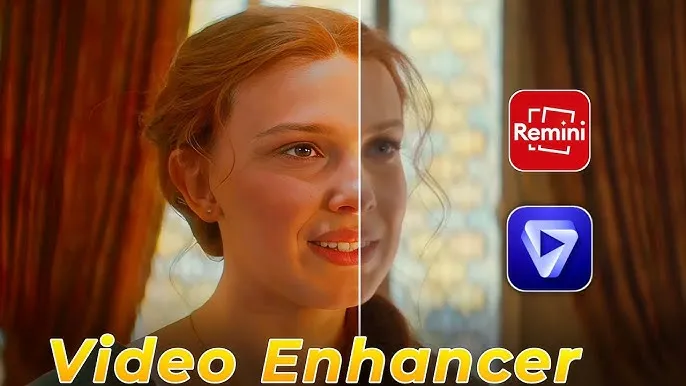
We all love taking pictures and storing them as memories for the times to come. Capturing pictures and then editing them perfectly takes a lot of time. But with Remini Mod Apk 2026, you can not only edit your pictures but also edit your videos with high accuracy.
Remini is a photo and video enhancement application that makes it really easy for users to edit the pictures and videos that they want to keep safe for the future. But a lot of times, it is difficult to edit pictures and longer videos on Android phones, so Remini APK for PC is one of the go-to options in such cases. It provides a big-screen experience of editing to the users.

Read more: Best Emulators for Remini on PC
Core Features of Remini for PC
1. User-Friendly Interface
One of the first things a user looks at while choosing an editing platform is the friendliness and ease of its interface. This application has a fundamental interface that a common person can also use to edit a picture and to post it on social media to get praise. This feature helps editing enthusiasts to edit those videos and pictures with calmness and ease.
2. Big Screen Experience
Another wonderful feature of Remini for PC 2026 is that a user can enjoy the editing experience on a bigger screen. Editing a large video or a picture may cause some errors on a phone, but a user can edit these videos and images on their PC efficiently. A user can look at the minor details in more depth on a PC to edit majestic pictures.
3. High Processing Speed
One of the core features of this application is its processing speed. As we all know, today, this is a race against time; everyone is running for something, and people don’t have the time. So Remini Latest APK 2026 for PC saves a lot of time for its users as it has a super high processing speed. You can give the command, and it will simply edit a lot of pictures in a few seconds.
4. Image Conversion
This application has yet another defined feature: it can convert low-quality images into high-quality ones. This photo enhancement application can simply add more definition to a picture with a simple command from the user. This feature makes it one of the best possible options to edit pictures and videos on a PC.
Read more: Remini vs Lightroom – Which Works Better on PC?
How to download Remini on PC in 2026?
To download this application on your PC, follow the instructions given below.
- Download any efficient emulator on your PC first, before anything.
- Now open your Chrome browser and search for the latest Remini download for PC.
- Click on the Download button to download it and allow permission from unknown sources.
- Now install this application on your desktop and enjoy editing multiple videos and photos by yourself.
Read more: Remini for Web
FAQs
Can I download Remini on PC for free?
Yes, you can download and use this application for free for editing your pictures and videos.
Is Remini Mod 2026 for editing available on PC?
Yes, this application is available for PC. Users can not only download it on their PC but can also edit multiple pictures and videos with it.
Can I edit many photos in one go on Remini 2026?
Yes, you can give one simple command, and this editor will edit multiple pictures in one go.
Final Words
Video and photo editing is one of the best things to do in free time, and lots of people often do this as well. But Remini for PC is one of the most reliable options for it. With its big screen exposure, this editing platform edits multiple photos in a few seconds and provides a lot of photo enhancement tools for users.
About the Author

Riya Patel
Riya Patel is a passionate photo editor and digital content creator. She tries to explore the best photo editing tools, like Remini, that bring life to pictures. For that, she provides all the guides, tips, Latest features details, and tips for its users.